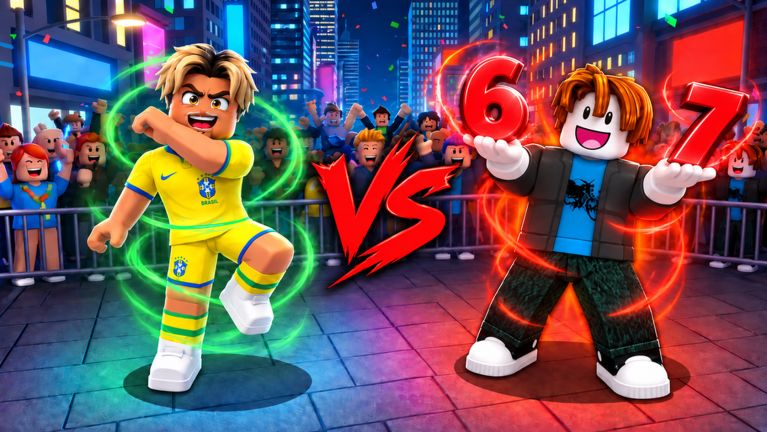
How a dance battle round works
The official description and current experience media show a waiting lobby, a 1v1 aura battle, an E cheer prompt, and a vote for the best aura.
- Join the experience by Is It This Easy? at place 117883700024872. The saved API lists maxPlayers 14. One media frame instead overlays Players: 1/10. Both labels are shown on the updates page and are not merged.
- The lobby frame says Waiting for players... and shows Round 1, Aura Level 1, Coins 0, and Votes 0, plus Shop, Emotes, and Spectate.
- The battle frame is titled 1v1 Aura Battle. That matches the description line “Face off in 1v1 Aura Battles”.
- Press the prompted key: the frame says Press [E] to Cheer! This is the only key shown for this game. Do not import M1, Q, F, or Shift from Aura Battles.
- Open Emotes to equip an aura, dance, or effect that is actually listed, then wait for the prompt Vote for the best aura!
- The description says the bracket continues until someone rises as the Aura King. The tournament page shows that label in the media.
If a step is missing in a live server, the description and these frames are still the public sources. This page is not a playtest.